Stay informed with the latest IT tips
Cybersecurity advice and exclusive resources from the Andisa team, straight to your inbox.
Cloud Calling Fax requires you to have a FAX extension. Contact the Andisa Support Desk to request an extra extension for this purpose.
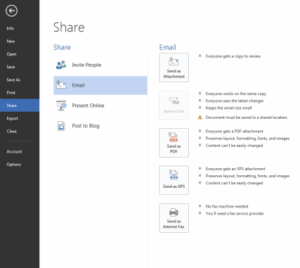
Create the PDF / Jpeg / Tiff document. Cloudcalling can accept attachments in any of the following formats; PDF. JPEG. TIFF. The easiest way from Word is to choose Share / email from the File menu (round icon top left). This lets you SHARE / EMAIL and then send as a PDF.
Send the FAX to fa*@*************co.uk with the phone number as the subject.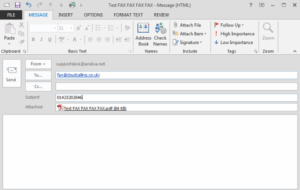
Confirm that you want to send. You will receive an email asking you to confirm the send. This improves security of the FAX system. Click on the link.
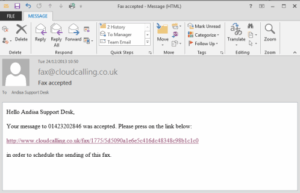
One the FAX has sent successfully you will receive a confirmation email.







