1. Fake Microsoft 365 “Storage Full” Emails
This phishing campaign has been very active across the UK.
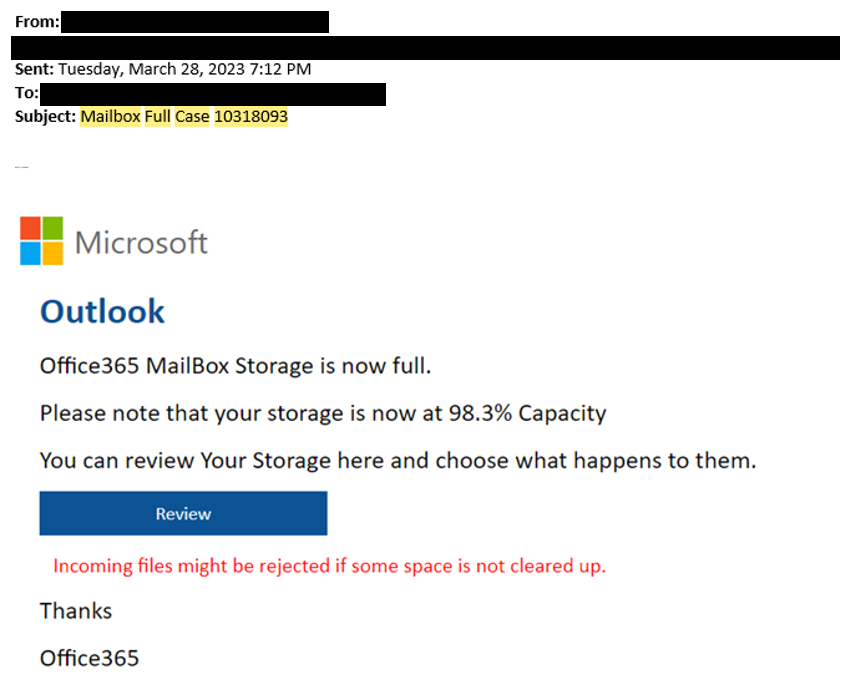
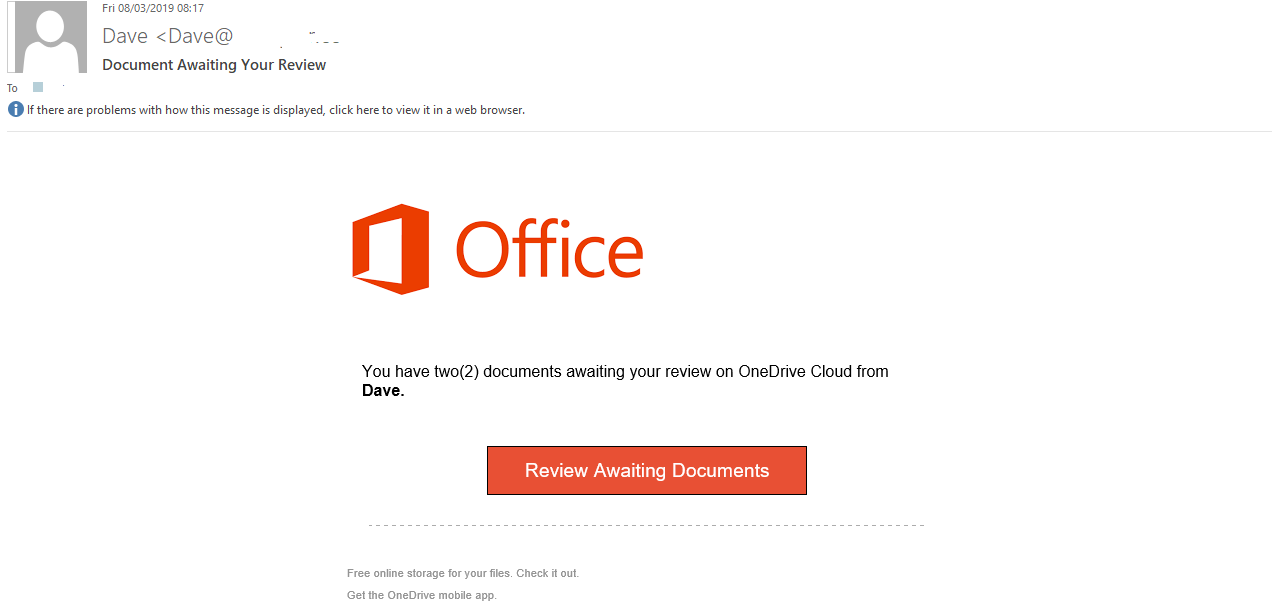

Typical email
- Subject:
- “Your mailbox is almost full”
- “OneDrive storage limit reached”
What happens
- User clicks link
- Fake Microsoft login page appears
- Credentials are stolen
Indicators
- External sender
- Link not pointing to
login.microsoftonline.com - Urgent warning about email stopping
Why attackers use this
Almost every business uses Microsoft 365.
2. Fake DocuSign / SharePoint Document Share
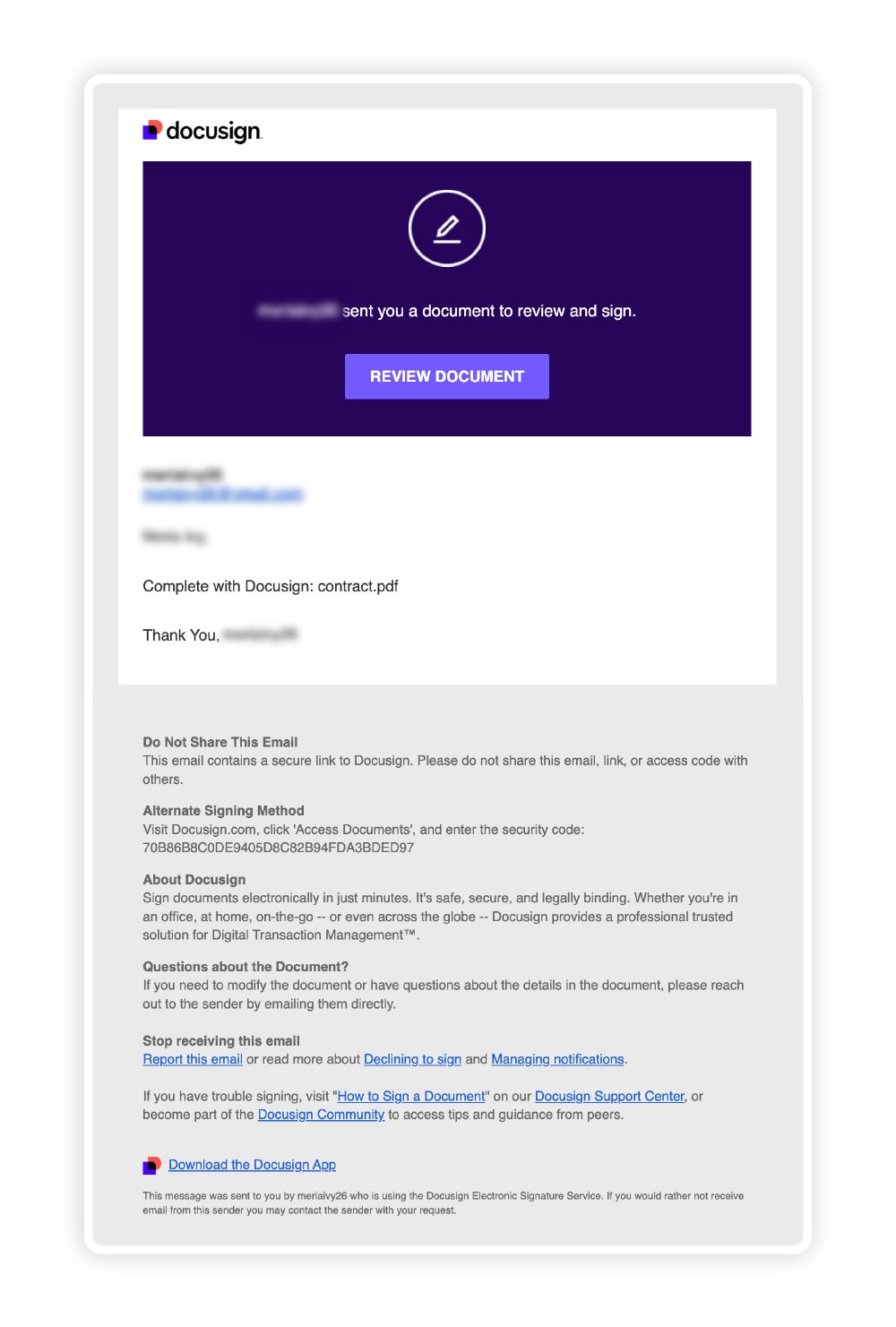
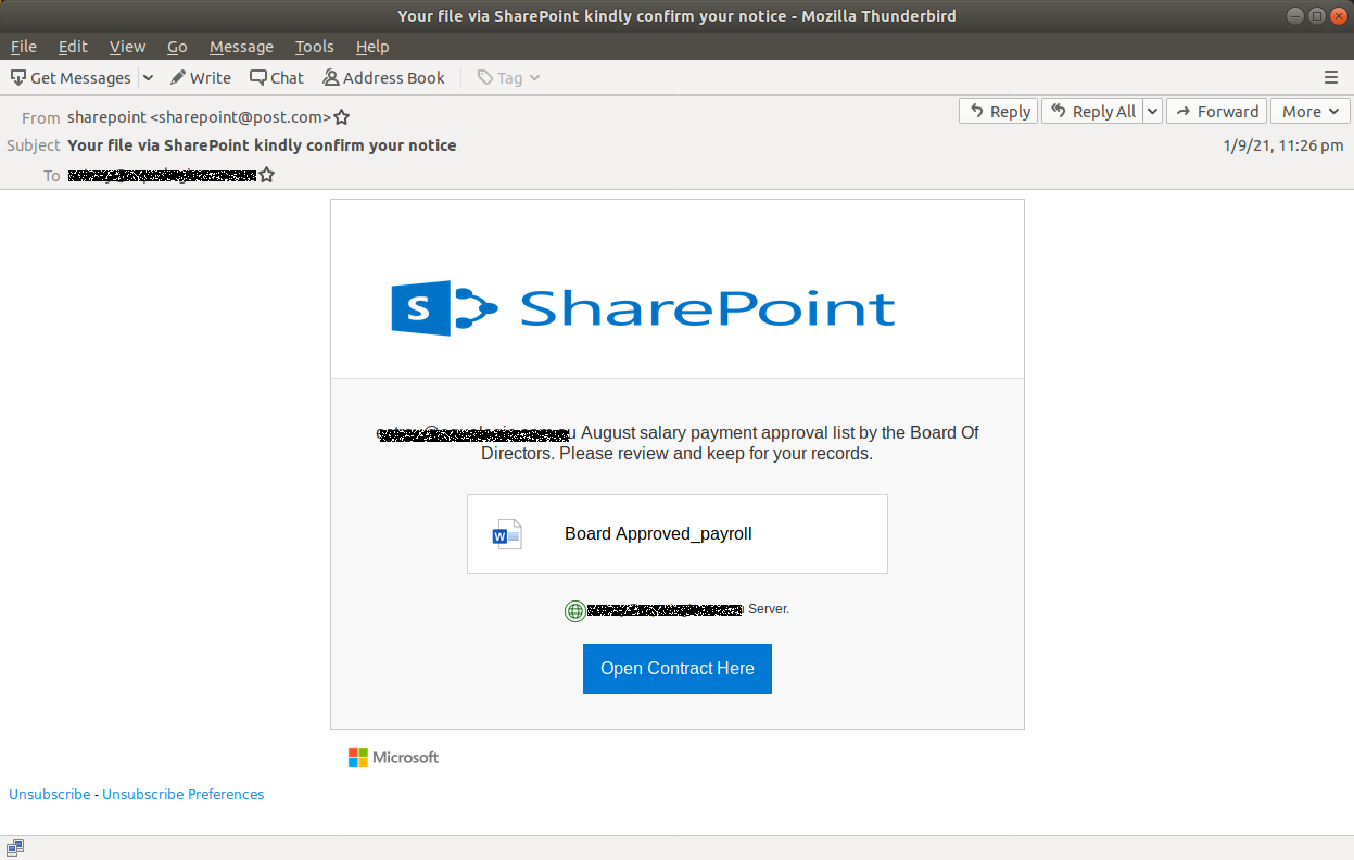
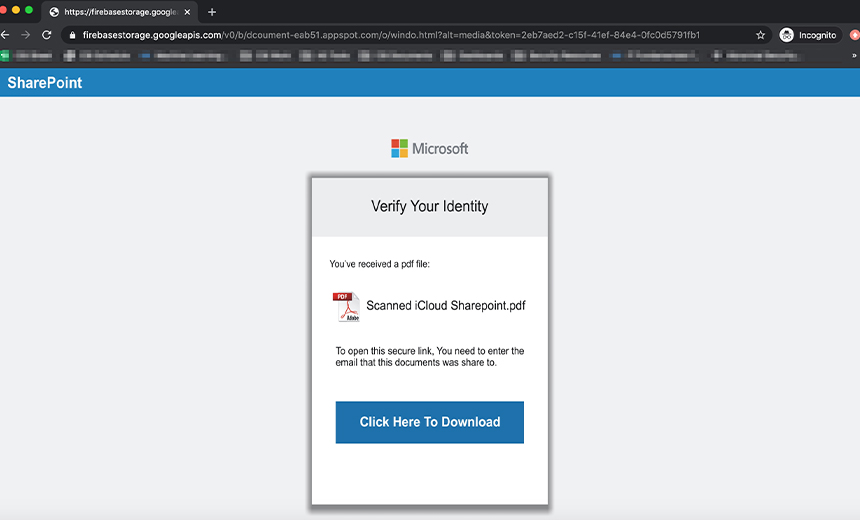
This is one of the most successful phishing attacks right now.
Typical email
“John has shared a document with you”
“Please review this secure document”
Clicking opens:
- Fake Microsoft login
- Fake DocuSign page
- Malware download
Why it works
Users expect document sharing. More and more people are finding the option in Windows Explorer to share a file just by putting somebodies email as a contact. However attackers are exploiting this because you trust it even though files are being sent outside of your organisation.